AI Agents in the Enterprise: What They Are, What They Access & How to Control Them




Enterprise AI agents are software tools that run on large language models to complete multi-step tasks across corporate systems, data sources, and workflows with minimal human oversight. Unlike basic chatbots, they read, create, and execute work directly inside your company’s core software.
If your team uses AI tools like Claude, ChatGPT, or Cursor connected to internal applications, you already have agents running in your organization. The main question is whether you can track their actions.
This article explores what enterprise AI agents are, the data they reach, the security risks they create, and how to govern them before problems arise.
Quick Overview
- Enterprise AI agents link to CRMs, databases, file systems, and internal APIs to complete complex tasks on their own.
- Without controls, agents can access anything a user’s login allows at computer speed, leaving zero unified audit trail.
- The primary danger is not that agents fail, but that they successfully perform actions you never authorized.
- Governance allows companies to adopt AI safely on a large scale instead of blocking it or ignoring the risks.
- An MCP gateway provides central visibility, permission controls, and safety rules across every connection between agents and tools.
What Makes Enterprise AI Agents Different from Chatbots
An AI agent does not sit around waiting for you to copy and paste text. It links directly to external systems, chooses which tools to run, and links multiple actions together to achieve a goal.
Where a chatbot only summarizes a document you upload, an agent fetches that document from Google Drive, checks it against your CRM, drafts a reply, and files a task in your project management app. The key difference is system access: agents work inside the tools that store your company data.
The Protocol That Makes This Possible
The Model Context Protocol (MCP) acts as the bridge connecting AI applications to external software.
MCP servers offer three main features:
- Tools (actions an agent can run)
- Resources (data an agent can read)
- Prompts (ready-made templates)
MCP clients, the AI applications your employees use, send requests through these servers to interact with internal business systems.
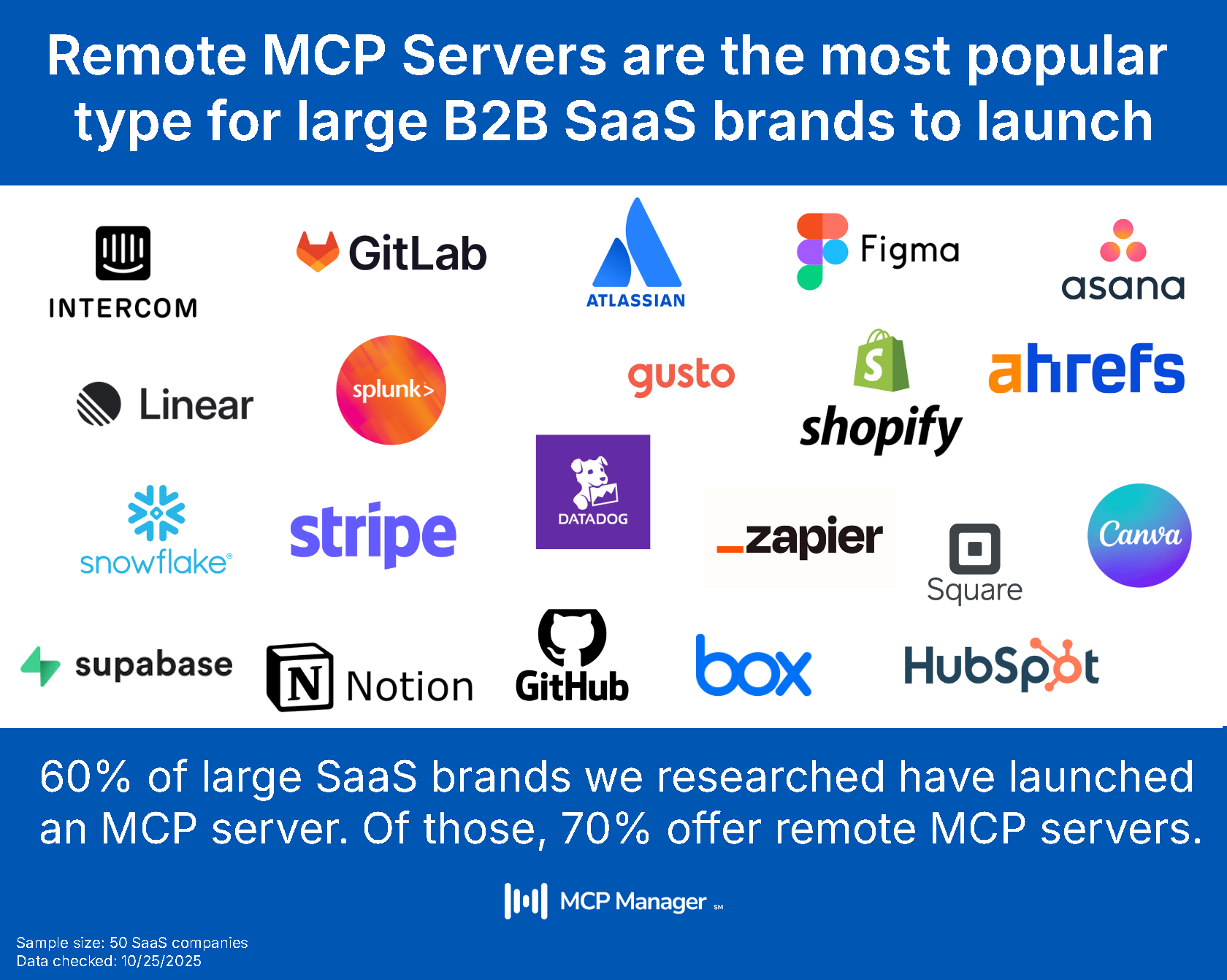
Major platforms like Atlassian, Asana, and Microsoft have released MCP servers for their software. GitHub relies on Personal Access Tokens, while Atlassian uses Dynamic Client Registration. While the underlying protocol stays the same, these different login methods create challenges when managing every connection from one central spot.
What Can AI Agents Access in a Company?
In short: any file or system the user’s account permissions allow. The longer reality presents an even bigger challenge.
The Credential Inheritance Problem
When an agent connects to a tool using your single sign-on credentials, it gets your exact permission levels. While a human might open a few Google Drive folders during a workday, an agent with those same permissions can scan every accessible folder in seconds and send that content to an AI model.
Because of this, many enterprise security teams conclude that agents must operate with fewer permissions than human employees. Human access is naturally limited by time and attention, while agent access is limited only by what the software API permits.
Common Systems Agents Reach
In everyday operations, enterprise AI agents connect to:
- CRMs (Salesforce, HubSpot)
- Project management platforms (Jira, Asana)
- Communication software (Slack, email)
- File storage platforms (Google Drive, SharePoint)
- Databases and internal software APIs
- Code repositories (GitHub)
- Analytics applications (Mixpanel, Gong)
Each system holds information ranging from routine updates to sensitive corporate assets. A single MCP link to your CRM lets an agent read customer names, email addresses, deal values, and sales logs.
What Are the Risks of Enterprise AI Agents?
These security risks fall into two main groups: how agents are built to behave, and what occurs when no one monitors them.
Security Threats Specific to MCP
MCP setups bring unique security vulnerabilities that traditional API defenses fail to catch:
- Rug pulls: An MCP server alters its behavior after the initial setup. The agent trusted the server when first connected, but the server now executes unauthorized actions.
- Tool poisoning: A malicious or compromised server injects hidden instructions into tool descriptions, tricking the agent into executing unwanted steps.
- Prompt injection through content: An agent processes a file containing hidden instructions and follows them. The user never typed a harmful command; the file itself contained the malicious prompt.
These are active security issues that security teams must handle, often without proper tools in place.
The Shadow AI Problem
Employees frequently connect AI agents to company systems without IT knowledge or authorization. Because modern tools allow users to sign up and connect integrations independently, staff can easily deploy automated agents into their daily workflows without going through security reviews.
This unauthorized adoption often stems from productivity needs, as teams look for faster ways to handle repetitive tasks across their software tools. However, when employees connect these tools on their own, IT teams lose visibility into where company data is flowing. Management often operates on an honor system, unaware of active agent connections until a security or data exposure issue occurs.
PII Exposure
Once personal data reaches an AI provider, it sits in that provider’s logs and retention systems on their timelines (not yours). If a client requests data deletion under GDPR rules after their information reached an LLM through an unmonitored agent, you cannot honor that request for a disclosure that was never logged.
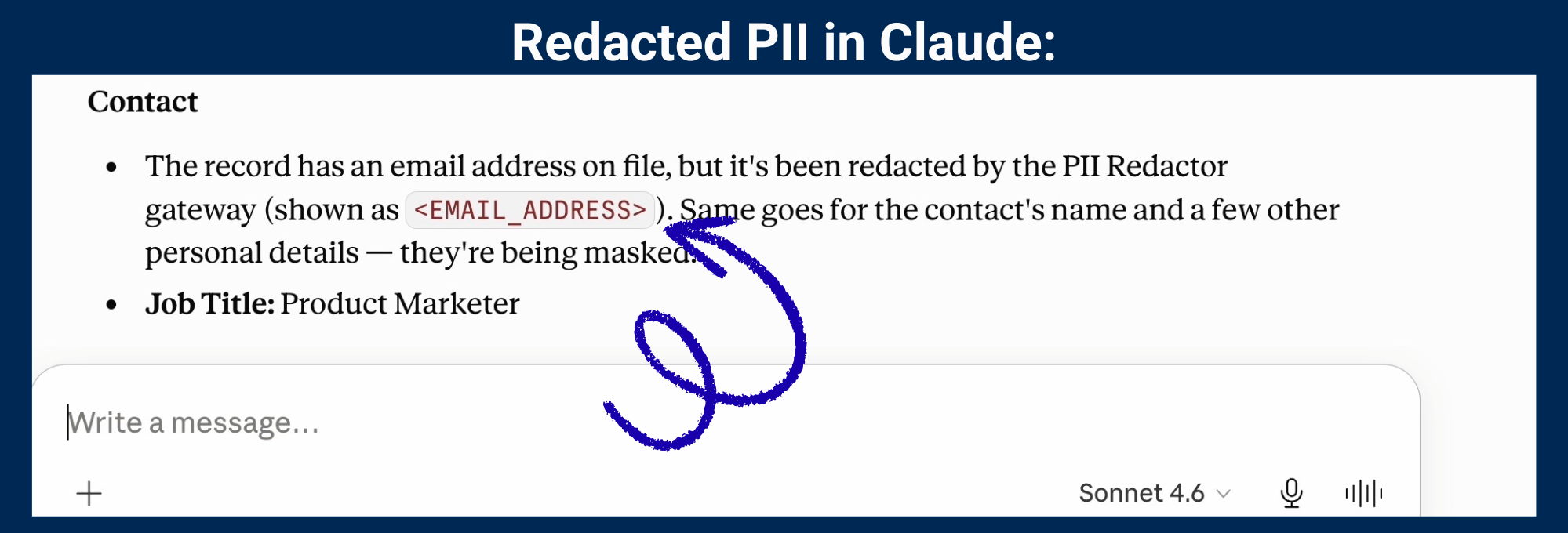
Personally identifiable information (PII) should never enter a model. You must inspect and block data in the MCP traffic layer, between the server and the AI client.
MCP Manager’s gateway redacts PII, blocking it from AI clients:
How Enterprises Are Using AI Agents Today
Even with these risks, fast-moving organizations actively connect AI agents to their critical workflows.
- Sales teams compile CRM data into weekly reports without manually exporting files.
- Product leads build status presentations automatically from project tools and usage stats.
- Support teams query knowledge bases and open tickets to draft customer replies.
- Software engineers link code bases, deployment pipelines, and docs directly to coding helpers.
- Finance groups pull figures directly from ERP databases for custom reporting.
The performance gap between companies running connected AI workflows and those using simple chat interfaces continues to widen each quarter.
How Do I Control What an AI Agent Can Do?
Proper management separates simple AI usage from true operational transformation. Without rules, companies get stuck evaluating single uses one by one or ignoring the setup entirely.
An MCP gateway sits right between your AI client apps and your MCP servers. Every single request, tool command, and data exchange passes through this proxy, providing one central control point instead of forcing you to hunt down individual connections.
An MCP gateway provides:
- A private MCP registry: A single catalog listing approved servers. Unlisted servers cannot connect.
- Fine-grained access controls: Team-level gateway access with tool-level provisioning per gateway. For example, allowing read-only access to Jira (without writing or destructive tool access).
- PII filtering: Scanning rules, Presidio tools, and custom guardrails that review data before it reaches an AI model. You can also connect external services like AWS Bedrock Guardrails.
- Audit logging: Detailed logs of every tool call and data movement linked to specific users. These records support accountability and access-logging obligations under GDPR, HIPAA, and under DORA (for EU financial firms).
- Visibility dashboards: Central tracking showing active servers, user activity, token counts, and shared data types.
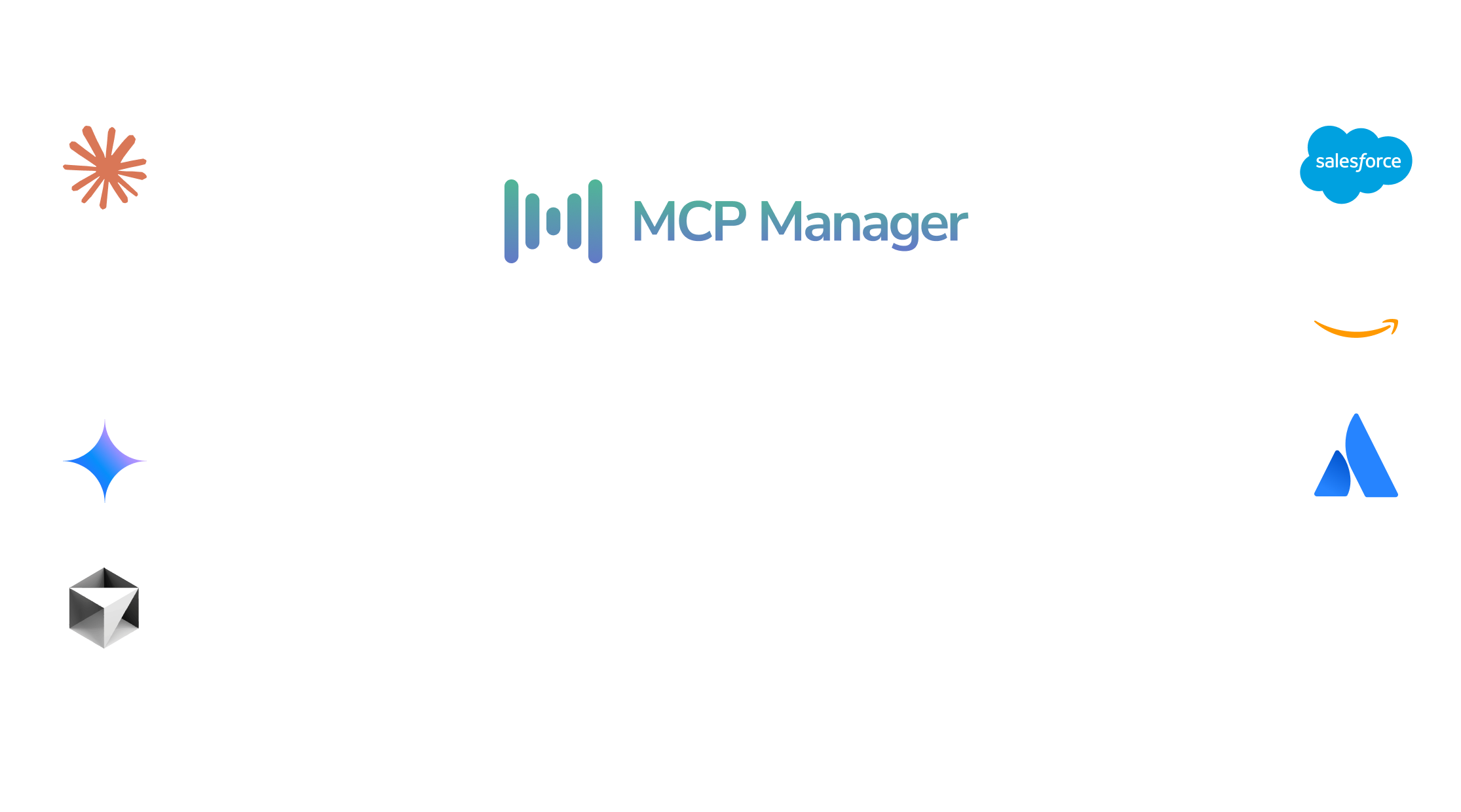
MCP Gateways centralize and monitor
data flows between AI clients and MCP servers:
Related Terms and Comparisons
- MCP gateway: A proxy layer positioned between AI clients and MCP servers to manage security, access controls, and logging.
- MCP server: A service that supplies tools, resources, and pre-made prompts to AI agents via the Model Context Protocol.
- Agentic AI: AI setups that evaluate, plan, and carry out multi-step tasks without needing constant human instructions.
- Shadow AI: Unapproved AI applications and connections used by employees without IT department approval or oversight.
- AI governance: The set of rules, technical controls, and operational processes that guide how an organization uses AI.
The Line Between Ambition and Recklessness Is Governance
Enterprise AI agents are already at work in your company, with or without official IT approval. The main goal is not deciding whether to use them, but securing the visibility and management tools needed to run them safely.
An MCP gateway grants IT, security, and infrastructure teams full control over every agent-to-tool connection. It delivers a unified gateway URL for every AI client, providing guardrails, permission rules, PII filters, and activity logs across all local and remote MCP servers.
If your organization currently manages AI agents using an honor system, address those security gaps before an incident forces your hand.
Want to learn more about why MCP gateways are critical for secure and governed AI deployments? Watch our webinar below.
FAQ
What is an enterprise AI agent?
An enterprise AI agent is a software tool that connects to business software and databases to complete multi-step tasks independently. Unlike simple chatbots, agents read and write data across CRMs, file storage, databases, and internal APIs using protocols like MCP.
What can AI agents access inside a company?
An agent can view anything accessible under the user’s account login. This includes CRMs, project management systems, code files, cloud storage, analytics tools, and internal APIs. Without extra access limitations, an agent can review all available user data at computer speed.
What are the biggest risks of enterprise AI agents?
Major risks include sending PII to AI providers whose retention you do not control, facing MCP-specific threats like rug pulls or tool poisoning, unmonitored shadow AI connections, and a lack of audit logs needed for regulatory compliance.
How do I govern AI agents across my organization?
Route all connections through a centralized MCP gateway. This setup offers a private registry for pre-approved servers, team-level access limits, PII filters to protect data before model processing, and complete user audit logs.
Do AI agents work with all AI clients like Claude and ChatGPT?
Yes, provided the AI client supports the Model Context Protocol. Rather than connecting every AI client directly to dozens of individual MCP servers, the gateway acts as a unified proxy. Users connect their AI client (like Claude or Cursor) to one gateway URL, allowing IT to handle authentication and access control centrally.
Book a demo to explore MCP Manager. We’ll show you how MCP gateways make it safe to move fast with AI.