
Your Source of Truth for
MCP Servers Across Your Org
To avoid shadow AI, every org needs an internal MCP registry.
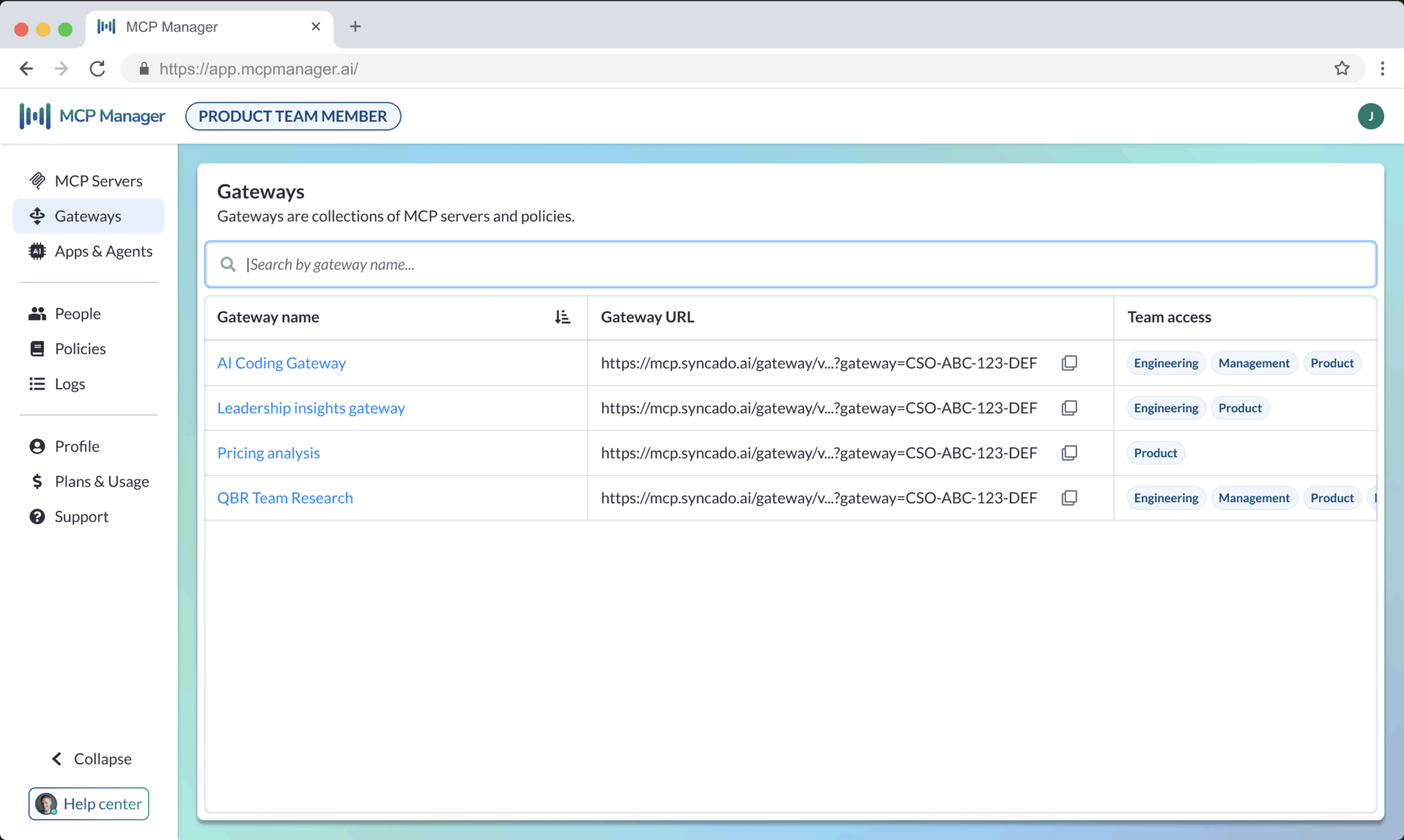
Make it clear what remote and local (STDIO) servers teams can use.
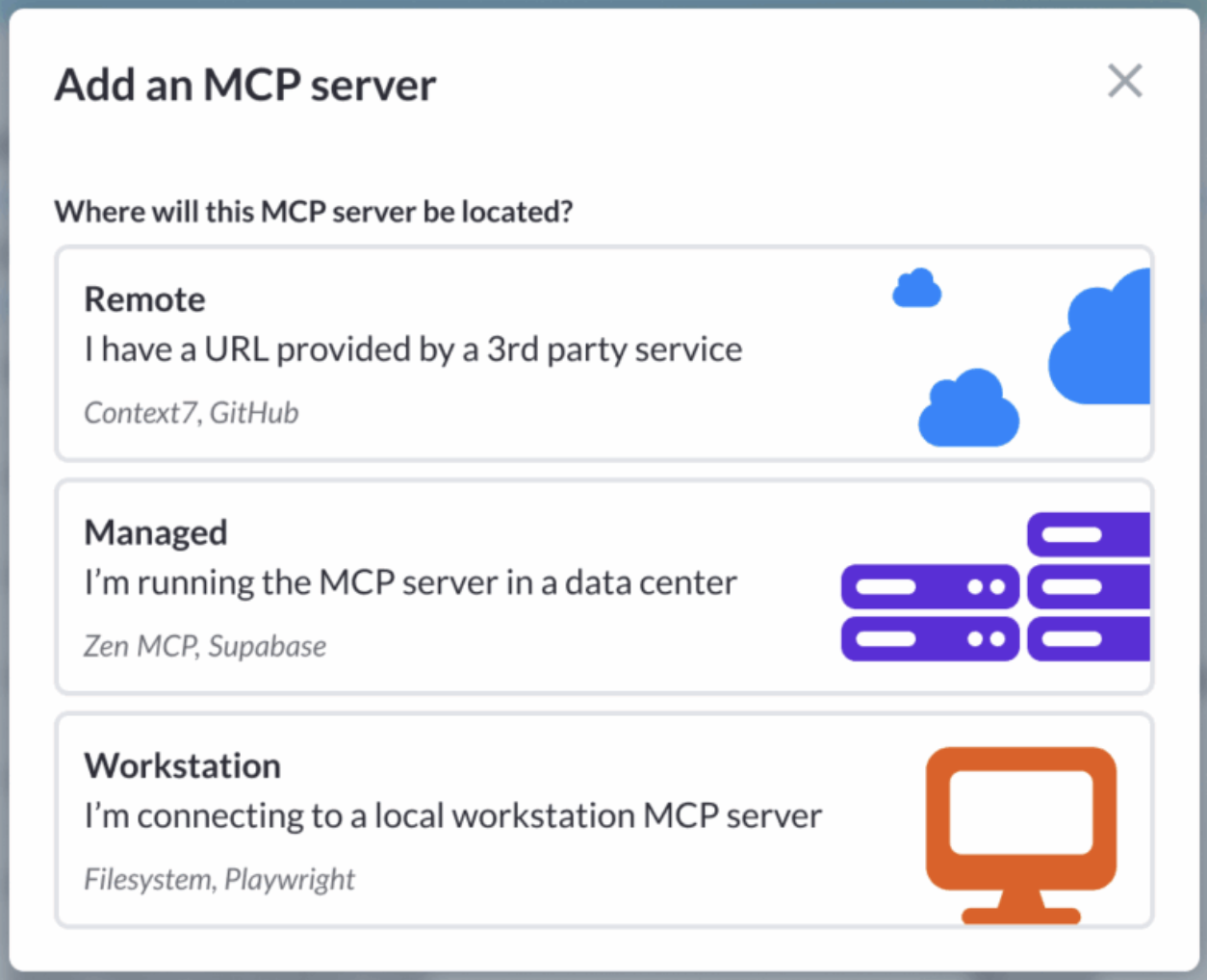
Any Server. Any Deployment Type.
MCP Manager works with the servers your teams are already running.
Local (STDIO) MCP Servers
Local servers run on a user’s machine and have direct access to their filesystem. Most governance tools can’t reach them, but MCP Manager can. Our platform routes local servers through the gateway via a secure tunnel, so every tool call is logged and policies are enforced.

Remote MCP Servers
This is the most popular server type, with large SaaS companies like GitHub, Jira, and Salesforce offering streamable HTTP servers. They’re the easiest to connect to but have had security incidents and don’t offer the control you need out of the box. MCP Manager offers the governance and observability you need for every remote server in your registry.
Managed MCP Servers
For local servers that don’t need direct filesystem access, MCP Manager can host and manage the server for you. The server runs in a sandboxed, containerized environment, accessible via a single URL (like a remote server). This is a safer option for use cases where file access isn’t needed.
MCP Registry &
Server Compatibility FAQ
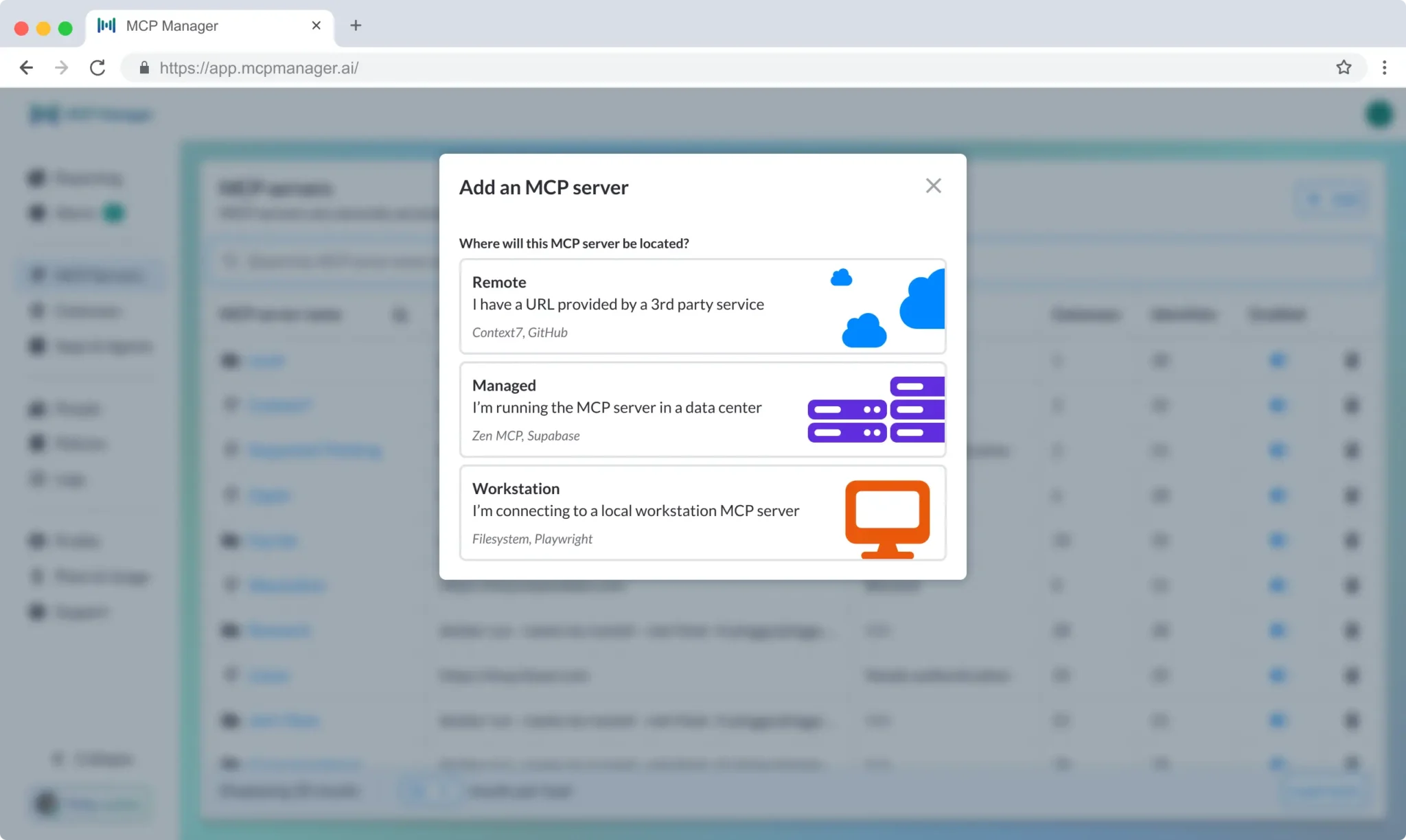
How do I add a server to the registry?
It depends on the server type. For remote servers, it’s as simple as entering the MCP’s URL, naming the server for the registry, and configure any required authentication headers.
Once any server is in the registry, you can assign it to specific teams, scope which tools are available, and set policies before anyone connects to it. No server is accessible to users until it’s been provisioned through a gateway.
Can I control which teams see which servers in the registry?
Yes. Servers in the registry aren’t visible or accessible to everyone by default.
Admins assign servers to specific teams through gateways, so each team only sees the servers relevant to their work. A sales team can access Salesforce and HubSpot, an engineering team can access GitHub and Jira, and neither sees what the other has access to.
What happens when a server in our registry changes its tool definitions?
MCP Manager pins the approved schema for every server at the time you add it to the registry. If a server updates its tool definitions after that, the gateway flags the change and blocks the updated tools until you review and re-approve them.
This protects against rug pull attacks, where a server changes its behavior after you’ve already trusted it, as well as unintentional schema drift from vendor updates.
Does MCP Manager work with servers we built ourselves?
Yes. If your server is MCP-compliant, it works with MCP Manager.
Custom and self-built servers get the same registry entry, access controls, audit logging, and policy enforcement as any other server in your environment.
Can we run local, remote, and managed servers at the same time?
Yes. MCP Manager handles all three through a single gateway, so your registry, access controls, and audit logs are unified regardless of how each server is deployed.
Most organizations have a hybrid MCP deployment strategy, using a mix of remote, local, and managed servers. MCP Manager supports these use cases.
Which remote and local MCP servers do you support?
Any MCP-compliant remote and local server works with MCP Manager.