
Move fast with AI by securing
your agents and data.
Prevent vulnerabilities that are unique to MCP, such as rug pull attacks and prompt injection.
Get the alerts and monitoring you need to stop attacks and data breaches before they happen.
The risk → The control
Every MCP server you connect is an ungoverned path from an AI client straight to your internal systems, with no record of what it touched. MCP Manager sits in that path and puts you in control. It authenticates and logs every call, and enforces your policies before anything reaches your data.
The Control Plane That Protects Data
Systems Before It’s Too Late

Abnormal Behavior Protection
Gateways created in our platform provide continuous monitoring of usage patterns across your network. Detect abnormal behavior between AI and MCP servers before it can lead to a security breach.

Rug Pull Protection & Safeguards
Rug pulls are a critical vulnerability within the MCP landscape because they are so insidious; they change a tool’s configuration after approval, causing harm, data theft, or worse.

Tool Poisoning Protection
Our gateways inspect responses from MCP servers (such as tool calls, prompts, and resources) to detect malicious instructions.
Our Automatic Prompt Sanitizing uses advanced detection systems to ensure that nefarious tool calls attempting to exploit vulnerabilities are detected and blocked.

Anti-mimicry for Rogue Agents
Bad actors aren’t the only security threat for MCP servers – confused or rogue agents can also cause significant issues.
Our Anti-Mimicry feature detects tool calls that could confuse an MCP client into calling the wrong tool.
MCP Manager by Usercentrics
Security Features
By default, MCPs offer a wide-open connection. Gain control and security with MCP Manager by Usercentrics.

Audit Logs for Visibility
Gain visibility by getting a real-time record of every tool call. Always know which agent did what, and when. Export and filter logs that auditors or stakeholders might need.

Enterprise-Grade Security
Built to fit your existing identity stack — with Okta, Entra, and more. MCP Manager by Usercentrics works with your identity management for both people and AI agents.

Tool Call Restrictions
The default for MCPs is a wide-open connection. MCP Manager by Usercentrics gives you control over which tools and features you want to allow or block, at organizational, team, and user-specific levels.

Approval Enforcement
Security and governance have always relied on human intervention and approvals. AI security should be no different.

Zero-Code Setup
MCP Manager by Usercentrics is easy to set up and use. Connect and deploy the MCP servers your teams need to use without losing precious time.

Alerts and Monitoring
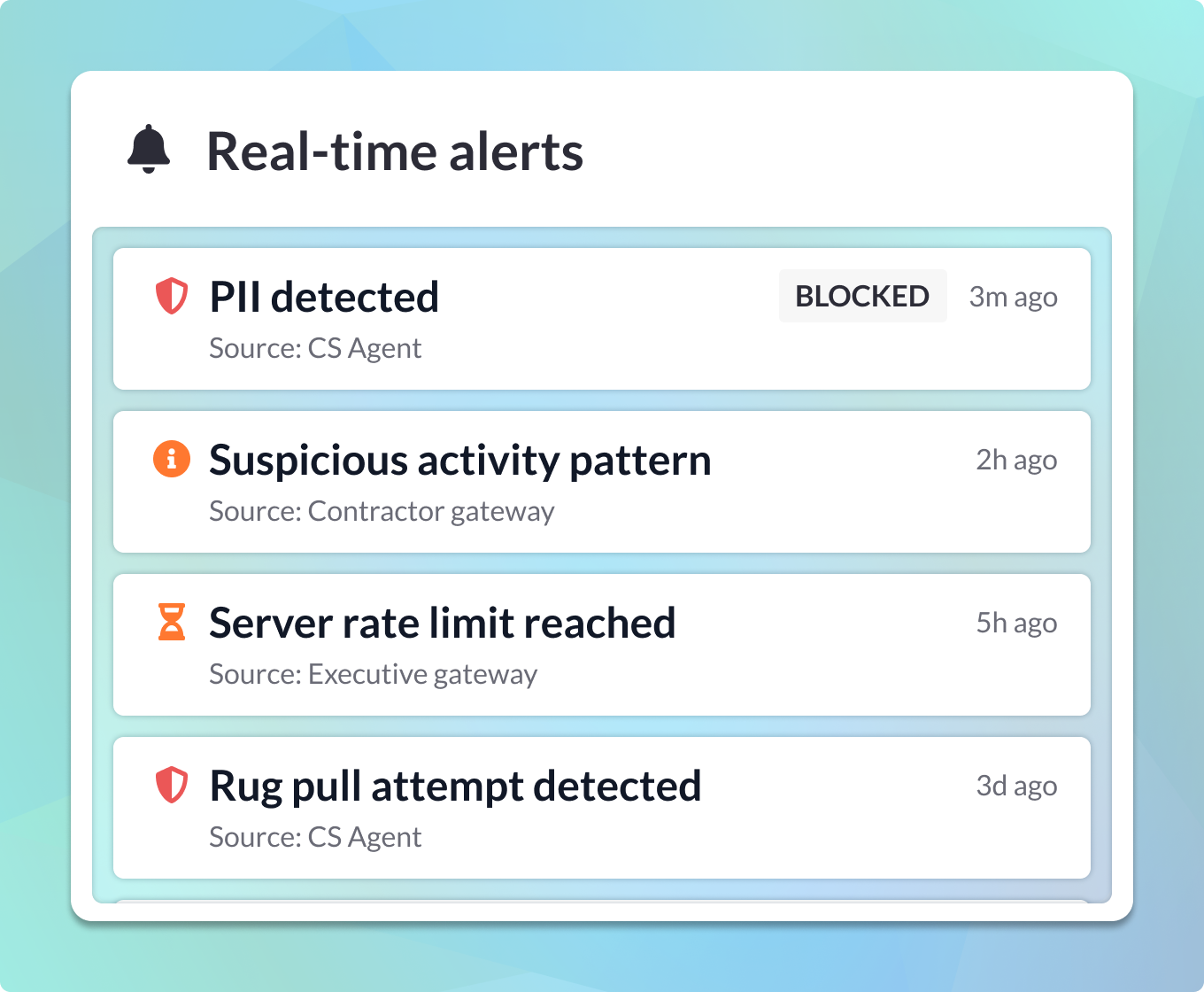
Receive alerts if suspicious activity occurs and track which agents are accessing specific tools. Rest easy knowing MCP Manager by Usercentrics keeps your connections and data secure.
MCP Security FAQs
What is MCP security?
MCP security refers to the use of practices, policies, mechanisms, and tools to protect organizations and individuals against security risks and threats that emerge or are exacerbated through the use of the Model Context Protocol (MCP) and particularly through the use of Model Context Protocol servers (MCP servers).
Why does the Model Context Protocol (MCP) create security risks?
The Model Context Protocol provides a common standard and method of communication that allows AI (such as chatbots and AI agents) to easily connect with applications, systems, databases, and other resources via MCP servers.
Empowering AI agents to use your apps, data, systems, files, and other resources unlocks a huge amount of value by enabling AI agents to orchestrate workflows across multiple systems. It frees them from their windowless cells and lets them work with your tools and data.
However, attackers can easily invert that power against you and your organization. Additionally, AI can make mistakes, such as sharing or deleting sensitive data, and is vulnerable to malicious actors who can easily mislead, corrupt, and hijack it, thereby gaining unrestricted access to your data, files, networks, and systems.
What are the main MCP security risks?
The main MCP security risks are:
- Data exfiltration
- Data encryption (similar to being infected with ransomware)
- Access token or credential theft
- Unauthorized Access
- Remote code execution (RCE)
- Virus implantation
Learn more about MCP security risks.
What are the known MCP-based attack vectors?
MCP security risks principally come from these attack vectors:
- Tool Poisoning: Attackers insert malicious instructions for AI agents into a tool’s metadata or outputs.
- Rug Pull/Silent Redefinition: Attackers retroactively add malicious instructions for AI agents into server/tool files (typically metadata or responses) after you have started using the MCP server/tool.
- Direct Prompt Injection: Malicious prompts are supplied to the LLM/AI agent directly via the user interface. For example, an attacker hides a malicious prompt in a free “template” marketing plan. The user then shares this with their LLM, and the malicious prompt influences the LLM to send sensitive data to the attacker’s email address.
- Indirect Prompt Injection: Attackers place malicious prompts in media or data (e.g., a webpage, database, file, or any other piece of information) that the AI agent/LLM retrieves in the pursuit of a task or goal.
- Cross-Server Shadowing: Hidden malicious prompts in one MCP tool influence how AI agents use another MCP tool in a different server.
- Server Spoofing/Tool Mimicry: A malicious server impersonates a legitimate server (by using a similar server name, or a similar tool name and/or description) to trick the AI into sending data and requests to it, rather than to the legitimate server it is impersonating.
- Shadow MCP Servers: Use of MCP servers that are unseen and/or unauthorized by the responsible team (such as the IT team) within an organization. Similar to Shadow IT.
Learn more about MCP security risks.
Why are MCP security solutions essential?
MCP security solutions protect your organization against the vast attack surface that using MCP servers introduces. They enable you to adopt MCP servers and the benefits they provide, while ensuring your organization is protected from the abundant and novel security threats and risks that using MCP servers gives rise to.
Which MCP security solutions are recommended?
MCP gateways, such as ones you can create in MCP Manager by Usercentrics, are the best way to protect your organization against MCP-based security threats. An MCP gateway sits between your MCP clients and MCP servers. It intercepts and inspects all traffic between your MCP clients and servers, to:
- Remove/sanitize harmful prompts
- Block or mask sensitive data
- Enforce other security policies
- Generate end-to-end, traceable logs and real-time reports
- Fire alerts for security and performance issues
MCP gateways also serve as your access management and MCP server management control center, enabling you to enforce authorization and authentication, and control which users and agents can use which servers, tools, and features. Where necessary,, you can block MCP tools or entire servers.
What MCP security threats does MCP Manager by Usercentrics protect you from?
MCP Manager by Usercentrics protects your organization against all MCP-based attack vectors, including:
- Tool poisoning
- Rug pulls/silent redefinition
- Direct & indirect prompt injection
- Cross-server shadowing
- Server spoofing/tool mimicry
- Sensitive data exfiltration and leaks
MCP Manager by Usercentrics protects your organization against sensitive data exfiltration, access token and credential exposure, remote code execution, and other threats listed above that can occur via MCP-based attack vectors.
Where can I learn more about MCP security and MCP security best practices?
You can learn more about MCP security best practices with these resources: