The Best MCP Gateway Options for Notion MCP Server




Notion started as a flexible workspace and wiki for notetaking and documentation. In the last 13 years, it has since evolved into the source of truth for teams’ product specs, project plans, runbooks, and institutional knowledge. If your organization thinks in Notion, then it’s a huge handicap if your agents can’t access this information.
Enter Notion’s MCP server, which gives AI agents direct access to the type of information that new (human) employees need while onboarding and seasoned team members need to just accomplish their job. Your agents also need this info and the capabilities to do things like:
- create documents
- manage tasks
- search and find documents
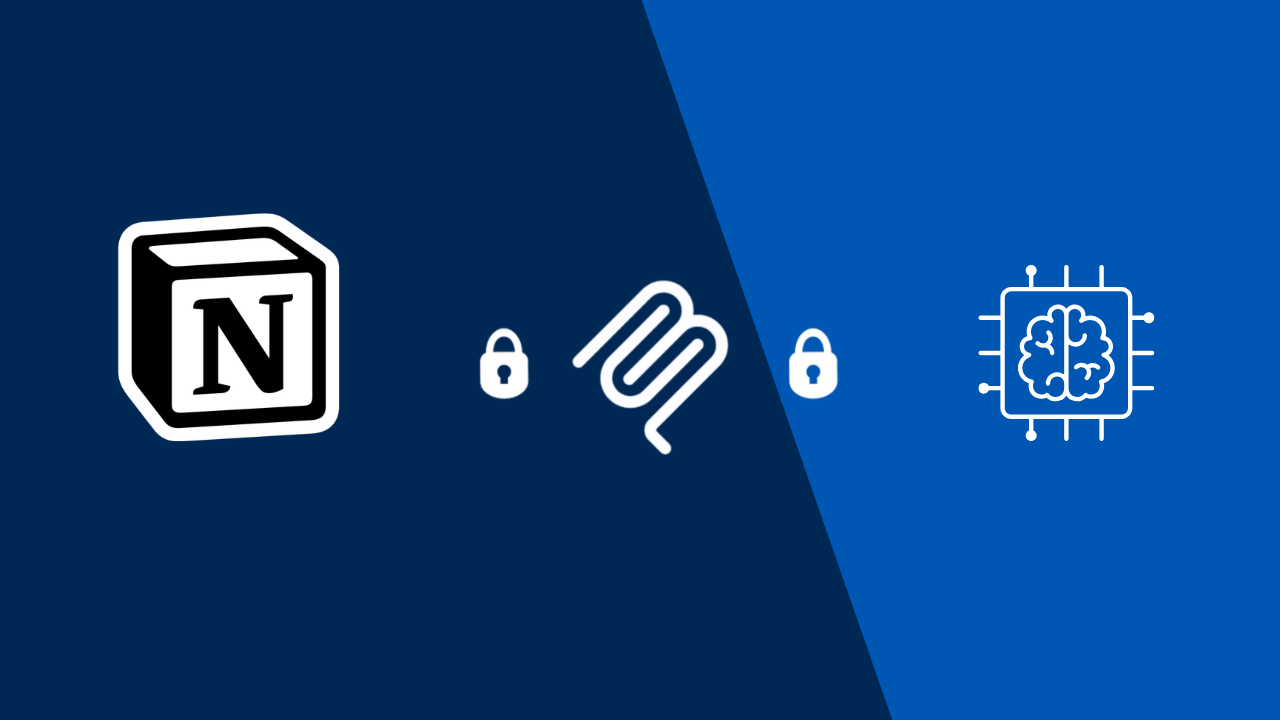
However, connecting agents directly to Notion in a multi-team environment creates control, reliability, and security problems that only get more complicated as MCP spreads throughout an org. A gateway fixes that by providing a central layer that sits between your agents and your MCP servers, making MCP possible to scale in production.
This guide covers the best MCP gateway options for teams using the Notion MCP server and how to choose the right one for your environment.
Why You Need an MCP Gateway for the Notion MCP Server
A single developer connecting to Notion MCP directly is workable. The moment you have multiple agents, multiple teams, and real organizational knowledge flowing through that connection, the gaps become structural.
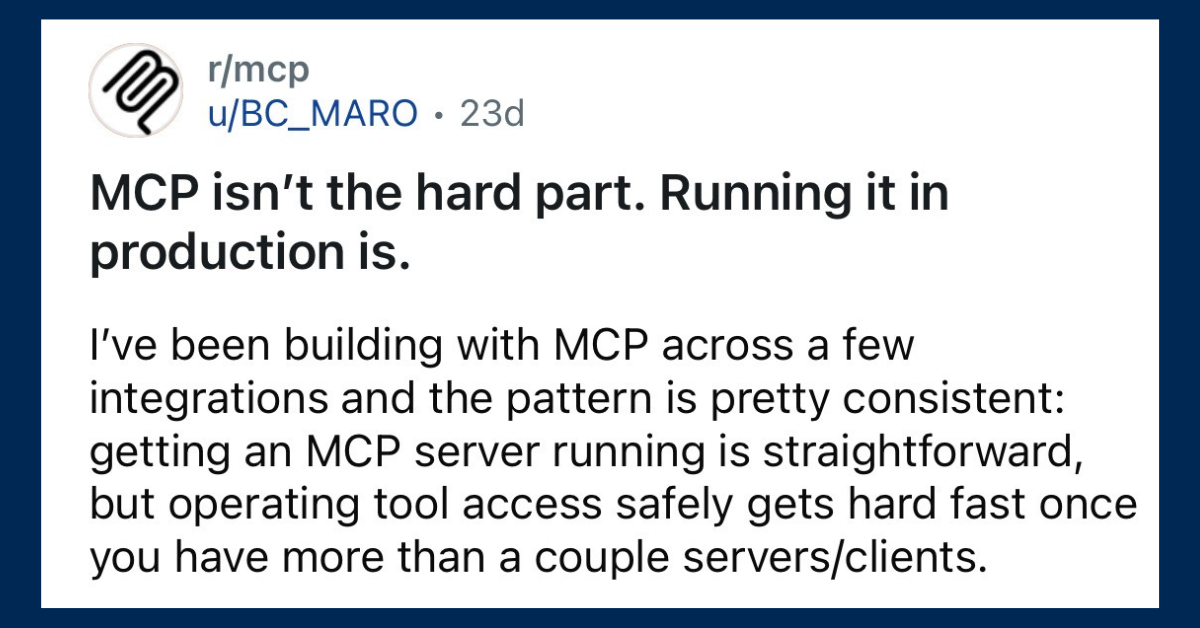
Or, as this Reddit user said:
Two Notion Servers. Both Benefit from a Gateway.
There are two different MCP implementations: an open-source, self-hosted server and a cloud-hosted version. They have different tool schemas, different bugs, and different capabilities.
While Notion’s open-source version requires more customization, we recommend that you use the cloud-hosted one; it’s more reliable and actively maintained by Notion. It’s also one of the most popular MCP servers in 2026. No matter which one you choose, you’ll need a gateway to make your agent’s connect to Notion the most reliable and secure.
MCP Gateways Make Auth Failures Less Frequent
A widely-reported issue with Notion MCP (and other MCP servers, like Atlassian’s) is that authentication succeeds on setup, but the server fails to reconnect when the session drops. Restarting the client and reinstalling the server don’t reliably fix it. For teams running agents in automated workflows or multi-step pipelines, a silent auth failure means a workflow that stops mid-task with no clear indication of why. A gateway that owns the connection and handles session lifecycle removes this class of failure entirely.
MCP Gateways Offer RBAC & Access Controls
Notion workspaces often contain content spanning multiple teams and sensitivity levels. For example, a customer service rep shouldn’t be able to access confidential plans around budgets for hiring and raises. Without a gateway enforcing workspace-level and page-level permissions, every connected agent inherits the full reach of the connected Notion integration. A gateway lets you define exactly what each agent can access, and nothing more.
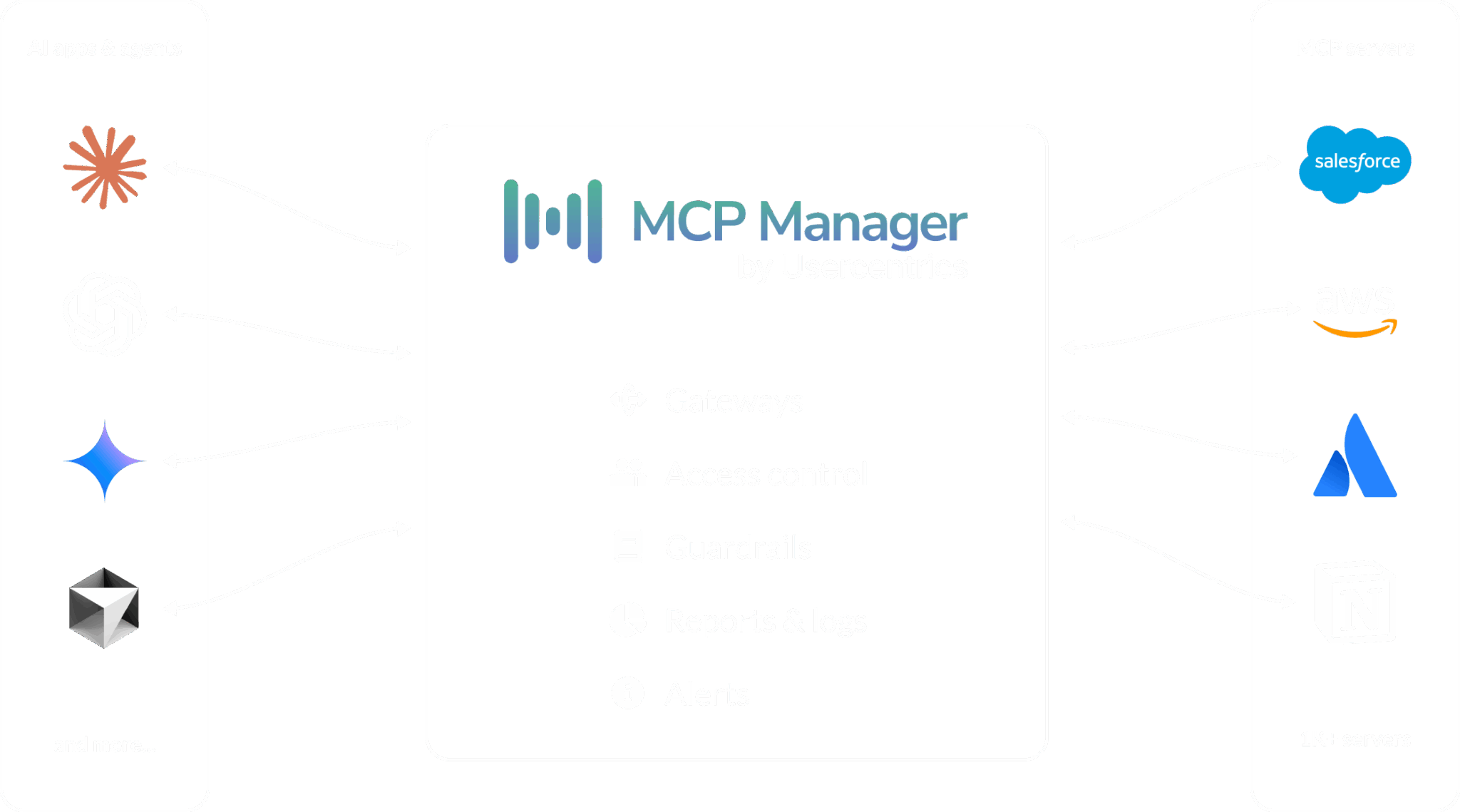
Gateways Provide Observability and Security
Protocols like MCP connect. However, enterprises need platforms to enable them
You will want to avoid common MCP security risks like prompt injections, rug pull attacks, and more. An MCP gateway prevents that. For example, a gateway can prevent an MCP rug pull attack by blocking a tool that changes its description after your approval (while alerting you). Gateways also keep PII, PHI, and sensitive data from ever hitting models.
For an overview of what an MCP gateway is, you can check out the video below.
MCP Manager by Usercentrics
Best for Mid-Sized Organizations Running Notion
MCP Manager was built for the governance and control requirements that enterprise knowledge management deployments create. However, our pricing is dynamic, making it the most cost effective MCP gateway for mid-sized companies that don’t want an option that starts at $25k+/year.
MCP Manager also acts as the central connection layer between your AI clients and the Notion MCP server, resolving the structural production problems that teams hit when connecting agents to Notion directly.
For the specific challenges of running the Notion MCP server in production:
- Session management: MCP Manager owns the connection to Notion, handling reconnection and session lifecycle transparently. Agents connect to MCP Manager and stay connected; dropped sessions are MCP Manager’s problem, not theirs.
- Workspace-level access control* Define which agents and users can access which Notion pages, databases, and workspaces, which tools they can invoke, and what actions they can take, without touching agent configurations.
- Complete tool call logging: Every Notion interaction recorded with full context, including agent identity, tool name, parameters passed, and result returned. Useful for debugging, required for compliance
- Organization-wide dashboards:** See what every agent across every team is doing with Notion, in one place.
- PII protection: Sensitive data that appears in Notion pages, such as names, contact details, and personally identifiable information, gets caught before it reaches your models.
You can get a free week of MCP Manager without putting a credit card down. Pricing is also dynamic, based on the features and capabilities you need. This is the best gateway for teams that don’t want to drop five or six figures on MCP security and governance.
Kong AI Gateway
Best for: Teams Already Using Kong Infrastructure
Kong has been managing API traffic at enterprise scale for years, and their AI Gateway extends that to MCP. For organizations where Kong already handles API routing and authentication, routing Notion MCP traffic through the same platform can make operational sense.
The limitation: Kong approaches MCP as an extension of API management, not as a native capability. The specific session reliability and schema sync issues that affect Notion MCP require custom configuration to handle through Kong. If your team isn’t already running Kong, adopting it specifically for Notion MCP is hard to justify against purpose-built options.
Amazon Bedrock AgentCore
Worth Considering If You’re Building on AWS
AgentCore is Amazon’s managed agent infrastructure platform. Its MCP gateway functionality comes as part of a larger stack that includes:
- serverless compute
- IAM-based authorization
- native integration with AWS observability tooling.
For engineering teams already deploying AI workloads on Bedrock, the Notion MCP connection layer slots in without additional infrastructure to manage.
One of the main limitations is the level of commitment Bedrock AgentCore requires. Because this is a platform you build on (not just a gateway you use within your existing stack), it is really best for teams already bought completely into the AWS infrastructure. Org with agentic Notion workflows that touch non-AWS tooling will not have a seamless experience. If you’re evaluating gateways independently of a broader platform decision, there are more focused options.
Docker MCP Gateway
Best for: Individual Developers that don’t handle org-wide MCP rollout
Docker’s MCP gateway comes with Docker Desktop’s MCP Toolkit, making it open source and, therefore, free to use. For a developer who wants something familiar and low-friction, Docker provides basic OAuth handling and call logging out of the box.
Docker’s gateway provides some key benefits like how it:
- supports both local containerized servers and remote MCP servers
- handling OAuth and basic call logging out of the box For a developer who wants something familiar and low-friction, it’s a quick way to get started.
The limitations become clear at the organizational level. Docker’s security model is built around container isolation — each server runs in its own container with defined resource limits and cryptographically signed images. That’s useful for supply chain integrity, but isolation is not the same as governance. There’s no RBAC, no audit trail of who called what tool with what permissions, and no controls designed for multi-team usage. For an individual developer exploring [Notion/GitHub] MCP, Docker MCP Gateway is a reasonable entry point. For organizations deploying agents at scale, it’s not a foundation you can build on.
Choosing the Right Gateway Option for Notion’s MCP
The right gateway depends on your environment and how you’re deploying Notion MCP.
If you’re connecting a single agent to a personal Notion workspace for experimentation, direct connection or Docker MCP Gateway is fine. The reliability issues are manageable at that scale.
If you have multiple teams relying on Notion as a knowledge base and you’re deploying AI agents that read from or write to that workspace in production, you need a gateway that handles session lifecycle, enforces access controls, and gives IT and security teams visibility into what agents are doing. That’s the environment MCP Manager was built for.
If you’re already running Kong or building on AWS Bedrock, those platforms are worth evaluating for Notion MCP as part of a broader infrastructure decision.
Teams Rarely Just Use Notion’s MCP Server
The Notion MCP server is a powerful integration when it works. The fragmentation between its two server implementations, the auth reliability issues, and the database access limitations make a gateway not just useful but necessary for any team running it at organizational scale.
In addition, teams rarely use just one MCP server. We already talked about the best MCP gateways for Atlassian‘s server (along with other popular SaaS apps that have MCP servers).
And in the video below, you can see how MCP Manager’s gateway makes it easy to securely connect more than one server to your agents at a time.