The Best MCP Gateway Options for GitHub MCP Server




An engineer’s pull request history in GitHub is more noteworthy than their resumes. Engineers live in GitHub. Company’s codebases exist there. And agents need access to make pull requests that can either can go straight into production or flag a human to review and push to prod. Therefore, it’s unsurprising that GitHub has the third most popular MCP server in 2026.
Code, pull requests, issues, CI runs, and security alerts all flows through GitHub. Giving AI agents access to that data through the GitHub MCP unlocks genuinely useful automation. But GitHub is also where some of the most consequential security problems in the MCP ecosystem have surfaced.
The GitHub MCP server connects AI agents to an environment that contains private repos, production credentials, and a public attack surface. That combination creates risks that are specific to GitHub and that an MCP gateway unique addresses.
MCP gateways make agentic GitHub workflows:
- protected from security attacks (e.g., rug pull attacks)
- visible and auditable
- follow guardrails and controls that IT and engineering leaders put in place
This guide covers the best MCP gateway options for teams using the GitHub MCP server and how to choose the right one for your environment.
Why You Need an MCP Gateway for the GitHub MCP Server
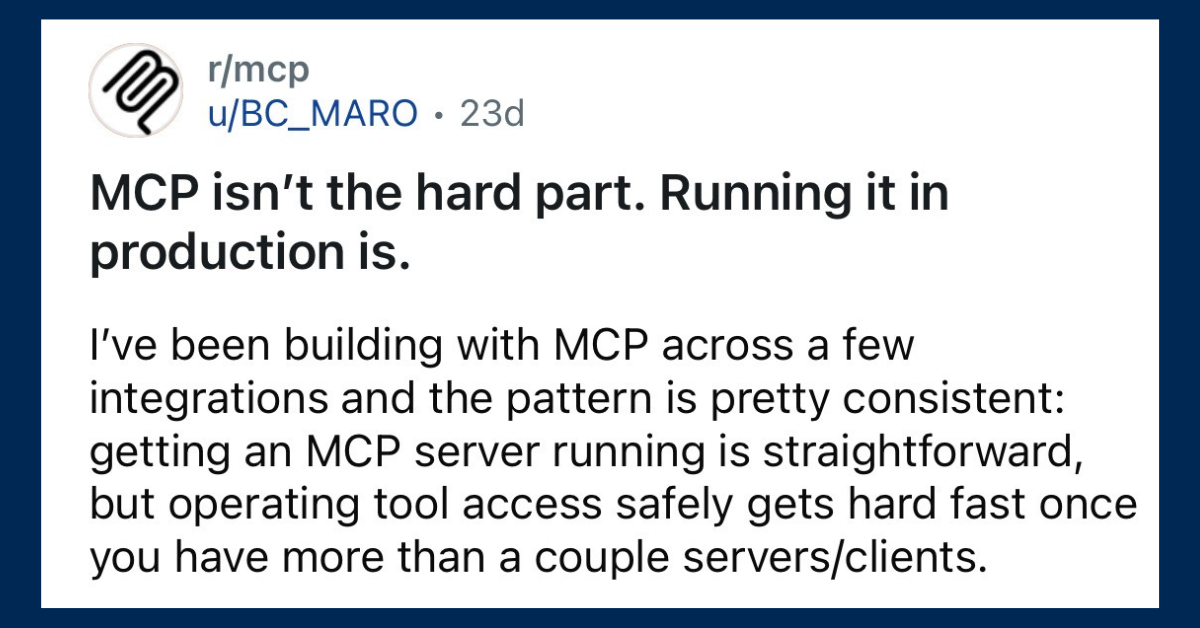
A solo developer connecting their own agent to their own repos directly is manageable. However, when MCP rollout starts scaling, risks become structural. Or, as one MCP user wrote on Reddit:
MCP Gateways Prevent GitHub MCP Security Attacks
The GitHub MCP server creates what security researchers have called the “lethal trifecta” for prompt injection:
- access to private data
- exposure to content the LLM will read
- the ability to take actions based on that content
Here’s just one example: a malicious actor can open a public issue on any repository your agent has access to, embed instructions in that issue, and trigger agent behavior simply by asking Claude to “take a look at the issues.” Researchers at Invariant Labs demonstrated this in May 2025, producing a pull request that exposed names of private repos the user never intended to share.
GitHub has since added Lockdown Mode, content sanitization, and scope filtering to address this vulnerability These safeguards certainly help. However, they don’t eliminate the underlying architecture problem. There are a lot of potential exploits for MCP servers (not just the prompt injection example above). From rug pull attacks to tool poisoning to data exfiltration, teams using GitHub’s MCP server org-wide without a gateway that can prevent threats, monitor abnormal behavior, and provide alerts when needed are at a seroius disad
Gateways Centralize GitHub MCP Access Control at Scale
While GitHub does support fine-grained Personal Access Token (PATs) and org-level token policies, in practice, managing token scopes across dozens of agents and engineering teams is a bit of rat’s nest (and even painful).
It’s not uncommon for developers or team leads to create tokens with broader access than needed or tokens that they share across projects. (Or worse yet, tokens that never get rotated).
A gateway adds a centralized policy layer on top of GitHub’s native controls, scoping each agent to the repos and operations it actually needs; it does this without relying on every developer to get their token configuration right because gateways enforce runtime policies like RBAC.
MCP Gateways Provide Much-Needed Visibility Into AI Data Flows
When an agent creates a PR with incorrect data, triggers a CI run it shouldn’t have, or makes a change in a repo it wasn’t supposed to touch, there’s no log of what happened at the tool level. This makes it not only a headache to detangle later, but also might fail compliance requirements.
While the GitHub audit log tells you what changed in GitHub, it doesn’t tell you which agent invoked which MCP tool with which parameters and why. Nor does it tell you which human enabled said agent to do so. A gateway gives you that record, which is not only essential for debugging, but is also a required compliance posture within many regulated industries.
MCP Gateways Decrease Context Bloat
Sure, Claude has tool filtering. But we live in a multi-modal world. Most teams aren’t just using one agent. In addition, gateways allow you to configure the same server in many different ways for many different agentic workflows. This is critical for limiting token costs because the GitHub MCP server exposes 51 tools across 10 toolsets.
Without controls on which tools are active for which agents, models receive an overwhelming tool manifest that consumes context before any work has been done. Filtering through so many tools also makes the agent less effective. An MCP gateway stops this excessive context window waste by enabling toolsets per agent and per team, keeping the interface lean and the model focused on the task at hand.
MCP Gateway Overview
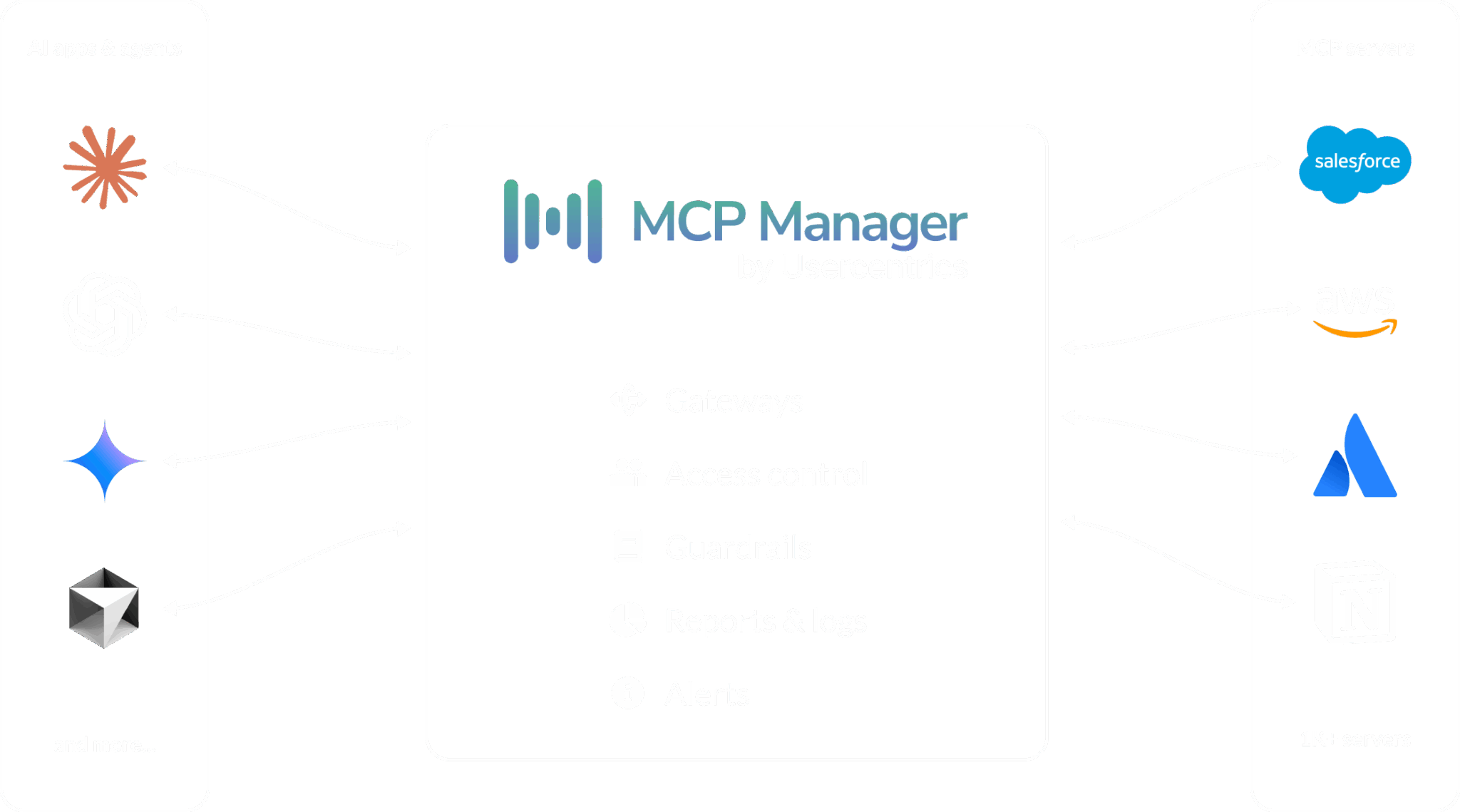
Before we go into gateway recommendations for GitHub’s MCP server, here is a quick overview of what an MCP gateway is and what it does.
MCP Manager by Usercentrics
Best MCP Gateway for Mid-Sized and Enterprise Orgs Running GitHub at Scale
MCP Manager offers the governance, RBAC, visibility and controls that enterprise AI systems need to scale. However, MCP Manager’s pricing fits the needs of mid-sized organizations as well. Many other MCP gateways start at $25k+/year. However, MCP Manager offers an MCP gateway that is affordable for even small startups.
For the specific challenges of running the GitHub MCP server in production, MCP Manager provides:
- MCP security protection: MCP Manager’s runtime guardrails, alerting, monitoring and protects against things like rug pull attacks help teams retain peace of mind while deploying AI and MCP at scale
- RBAC & ABAC: Users can define which agent and human developers can access which repos, which toolsets they can invoke, and what read or write operations they can perform. They can do this without touching agent configurations or PAT scopes.
- PII and sensitive data detection: A Presidio integration makes it easy for MCP Manager’s gateway to detect things like API keys and other sensitive data that should never hit a model.
- Audit logs with contextual metadata: Regulators and stakeholders often need to see granularity, making it important to record every GitHub interaction recorded with full context; this includes agent identity, tool name, parameters passed, and result returned.
- Tool and team provisioning: Enable and disable GitHub MCP toolsets per agent and per team, keeping tool manifests lean and models focused.
- Org-wide dashboards: See what every agent across every engineering team is doing with GitHub, in one place.
- Real-time alerts and monitoring
You can try MCP Manager for free by booking an onboarding call. Pricing is cost-effective and actually based on the features and capabilities you need. This is the best gateway for mid-sized teams that don’t want to $25,000+ on an MCP gateway.
Kong AI Gateway: Worth Considering If You’re Already a Kong Shop
Kong has been a staple in the API gateway enterprise space for years. They can scale and are trusted. If your organization already uses Kong for API routing and authentication, then routing your GitHub MCP traffic through Kong just makes a lot of sense.
However, you won’t get a purpose-built MCP solution. Kong has a lot to offer when it comes to API governance. However, if you want real-time threat detection and guardrails built by a company that is solely focused on the ever-evolving MCP spec, then Kong is not for you. In addition, if your team isn’t already running Kong, then it’s hard to justify this option.
Amazon Bedrock AgentCore
Best for Teams Already Using Bedrock As Their Foundation
AgentCore is Amazon’s managed infrastructure for running AI agents. If your engineering team is already on Bedrock, adding GitHub MCP access fits naturally into the existing stack. Plus, you get IAM for authorization and CloudWatch/CloudTrail for logging without standing up anything new.
The tradeoff is how locked-in you are.
AgentCore isn’t a gateway you drop in front of your current setup. Rather, it’s a platform you build on; it must be your foundation. If your GitHub workflows span multiple clouds or involve non-AWS tooling, you’ll hit friction. For teams evaluating GitHub MCP gateways as a standalone decision, this is just not the right starting point.
Docker MCP Gateway
Best for Solo Devs That Don’t Need Org- or Team-Wide Access
Docker’s MCP Gateway ships as part of Docker Desktop’s MCP Toolkit, which means it’s both open source and free. If you’re a developer exploring GitHub MCP and want something containerized and familiar, Docker gives you:
- OAuth handling
- container isolation
- basic call logging without any setup overhead.
The container isolation piece is a real benefit for GitHub MCP because it limits the blast radius if a server gets compromised. Sandboxing MCP servers is a best practice for local MCP servers and also many would argue it’s best for remote servers, too.
However, Docker’s gateway is really best for that unique use case. Because there are no org-level access controls, PII detection, and is not suitable for multi-team environments where non-developers will use the server. It’s a solid starting point for individual developers experimenting with GitHub MCP, not a solution for teams running agents against shared repositories.”
Choosing the Right Option MCP Gateway Option
The right gateway depends on your environment and your risk tolerance.
If you’re connecting a personal agent to your own repositories for individual productivity work, direct connection with fine-grained PAT scoping and Lockdown Mode enabled is a defensible starting point.
If engineering teams across your organization are deploying agents that read from or write to shared repositories, the security picture changes significantly. You need runtime guardrails against prompt injection, least-privilege access controls at the repository level, and a complete audit trail of every tool call. That’s the environment MCP Manager was built for. You can check out more about MCP Manager, how it works, and why it’s the best MCP gateway for engineering teams.
If you’re already running Kong or building on AWS Bedrock, those platforms are worth evaluating as part of a broader infrastructure decision.
The GitHub MCP server is one of the most capable MCP integrations available today. It’s also one of the highest-risk, because GitHub combines private data, public attack surfaces, and write access to production infrastructure in a single connected endpoint. A gateway that addresses those risks isn’t optional for organizations running it at scale.