The Best MCP Gateway Options for Mid-Sized Companies




Mid-sized companies are big enough to need real governance but rarely have dedicated DevOps or platform engineering teams to build and maintain that governance from scratch. At the same time, AI innovation in the enterprise is moving at a pace that mid-sized companies can’t afford to ignore.
But moving fast without guardrails is equally dangerous. A single misconfigured agent with write access to production systems can cause real damage, especially when there’s no centralized visibility into what that agent is doing. This is exactly the problem MCP gateways solve.
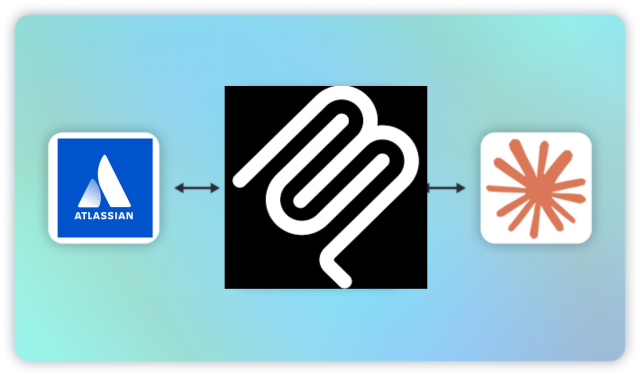
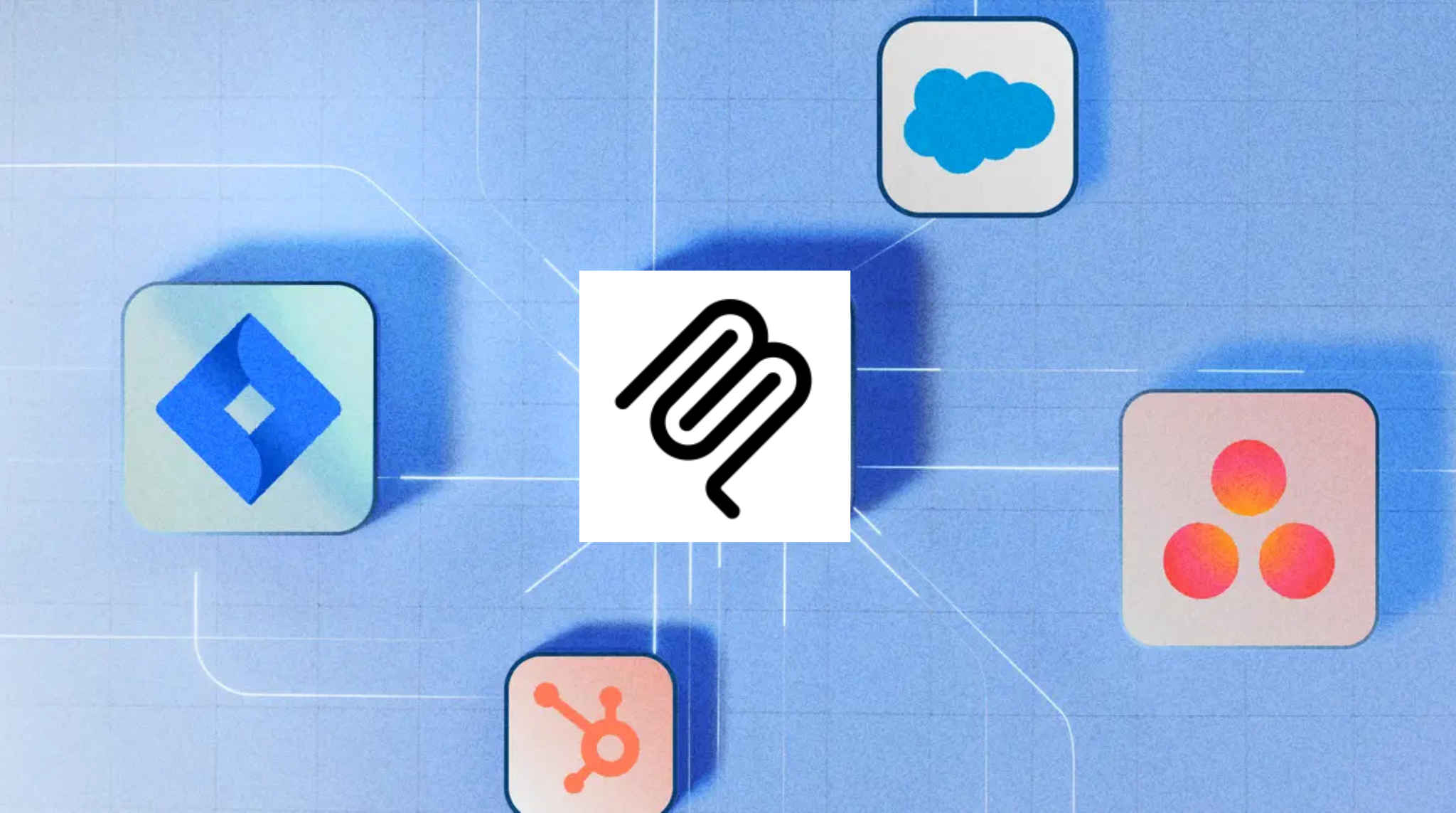
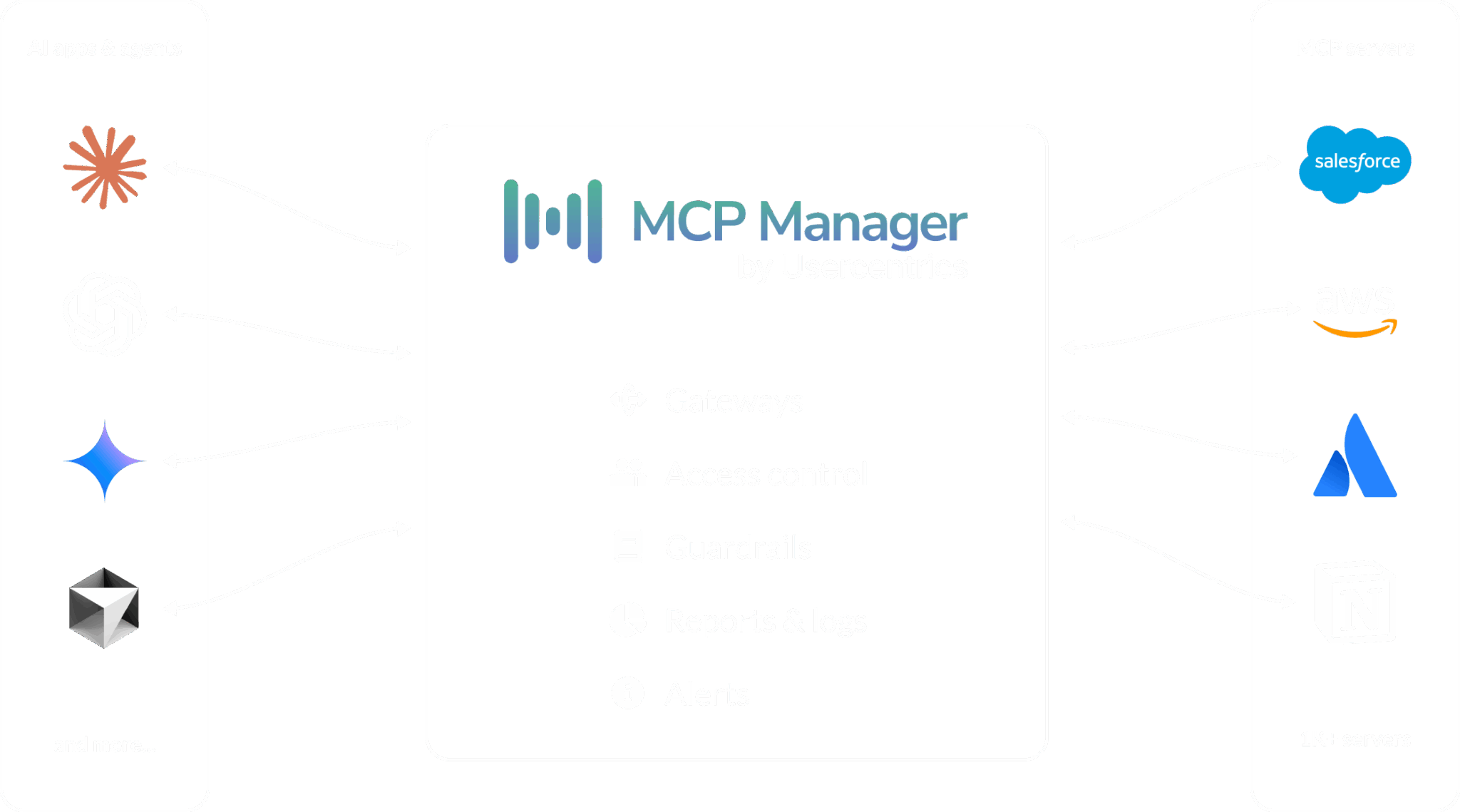
An MCP gateway sits between your AI agents and your MCP servers, centralizing authentication, access control, observability, and policy enforcement across all tool interactions.
For mid-sized companies, the right gateway means you can move fast on AI adoption without building a custom governance layer from scratch. This guide covers the best MCP gateway options for mid-sized companies and how to choose the right one for your environment.
Why Mid-Sized Companies Need an MCP Gateway
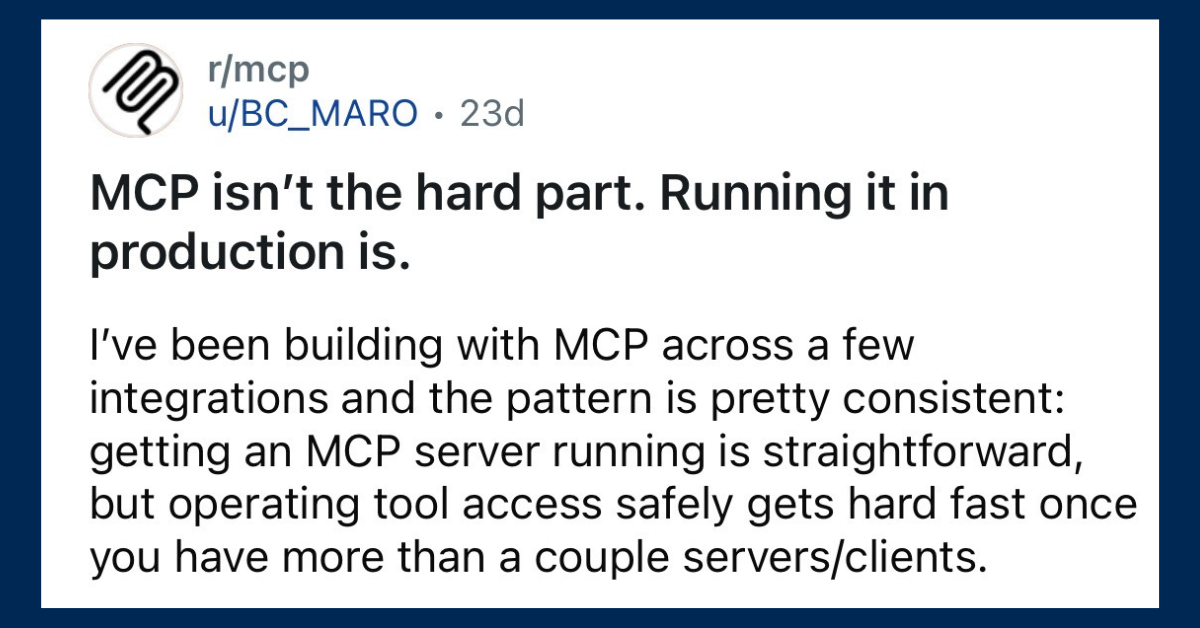
A solo developer connecting their own agent to a couple of tools directly is manageable. But once you have multiple teams, shared tools, and customer data in play, the risks become structural. Or (as one Reddit user said):
MCP Gateways Prevent Security Threats
Mid-sized companies face the same MCP security threats as enterprises. Attacks like prompt injection, tool poisoning, rug pull attacks, and data exfiltration can do serious brand damage. And without dedicated security engineers monitoring for them, mid-sized companies are like sitting ducks for malicious actors.
An MCP gateway handles runtime security enforcement automatically: blocking unsafe operations, detecting abnormal behavior, and alerting when something looks wrong. MCP gateways can even provide prevention for attacks like rug pulls. This gives mid-sized teams enterprise-grade security posture without requiring enterprise-grade headcount.
Visibility and Easy-to-Implement Access Control for IT
Often, engineering teams at mid-sized companies are tasked with also being IT. Even if you have a dedicated IT, they need easy ways to enable RBAC and to get visibility into what agents and humans are doing with what tools.
Without a gateway, there’s no centralized answer to any of these questions. Each agent manages its own connections independently, creating blind spots that make compliance audits painful and incident response slow.
An MCP gateway gives IT a single dashboard to see every agent interaction across the organization, with role-based access controls (RBAC) that scope what each team and agent can do. This is particularly important for mid-sized companies navigating SOC 2, HIPAA, or other compliance frameworks where auditors expect granular access logs.
MCP Gateways Decrease Context Waste & Token Cost
Popular MCP servers expose dozens of tools. The GitHub MCP server alone has 51 tools across 10 toolsets. Every tool in an agent’s manifest consumes context window tokens before any actual work begins, and those tokens cost money.
For mid-sized companies watching their AI spend carefully, this context bloat adds up fast — especially when running multiple agents across multiple teams. An MCP gateway lets you filter which tools are active for which agents and which teams, keeping tool manifests lean and reducing unnecessary token consumption. It’s a governance feature that directly impacts your bottom line.
Onboarding Non-Technical Teams Is Easier with MCP Gateways
AI agents aren’t just for engineers anymore. Marketing, sales, operations, and customer success teams all benefit from agent access to tools like Slack, Salesforce, and project management platforms. But giving non-technical teams direct access to MCP servers without guardrails is a recipe for misconfiguration and data exposure.
An MCP gateway with team provisioning and tool-level permissions lets IT onboard non-technical teams safely — giving them access to the specific tools and operations they need, without exposing the full power (and risk) of every connected MCP server.
MCP Gateway Overview
Before diving into specific recommendations, here’s a quick overview of what an MCP gateway is and what it does.
TL;DR: An MCP gateway is a central layer that provides visibility and control over how data flows between MCP servers and your agents.
MCP Manager by Usercentrics
Best MCP Gateway for Mid-Sized Companies That Need Governance Without Enterprise Pricing
MCP Manager is purpose-built for MCP governance and security, which makes it the strongest choice for mid-sized companies that need real RBAC, monitoring, and compliance tooling without the price tag that typically comes with enterprise platforms.
Many MCP gateways start at $25,000+ per year. (We won’t name names. But let’s just say A LOT of them start at that price point.) MCP Manager, on the other hand, offers pricing based on the features and capabilities you actually need, making it accessible for organizations that aren’t ready to commit to enterprise-tier contracts.
For the specific challenges mid-sized companies face, MCP Manager’s gateway provides:
- MCP security protection: Runtime guardrails, alerting, and monitoring all keep AI systems and data safe. In addition, MCP Manager protects against data exfilitration, rug pull attacks, prompt injection, and tool poisoning. All without requiring a dedicated DevOps or security team to manage configuration.
- RBAC and ABAC: Team leads and admins can define which agents and (human) users can access which tools. In addition, admins can scope access at the team level.
- PII and sensitive data detection: Both Regex-based filtering and a Presidio integration ensure that PII (e.g., social security numbers), PHI (e.g., patient’s names or health conditions) and sensitive data (e.g., API keys) never hit a model. Mid-sized companies must also be compliant and protect user data.
- Audit logs with contextual metadata: Regulators and stakeholders might need to dive into your audit logs. You’ll want to make sure that every tool interaction is recorded with full context. Make sure that data like agent identity, tool name, parameters passed, and result returned are surfaced. This is the audit trail that compliance frameworks require and that IT needs for incident response.
- Tool and team provisioning: Enable and disable MCP toolsets per agent and per team. This keeps tool manifests lean (reducing token costs) and ensures non-technical teams only see the tools they’re authorized to use.
- Org-wide dashboards: See what every agent across every team is doing with every connected MCP server, in one place. This also helps reduce token cost and give an overview into usage.
- Real-time alerts and monitoring: Get notified when something looks wrong, rather than discovering problems after the fact.
You can try MCP Manager for free by booking an onboarding call. This is the best gateway for mid-sized companies that want enterprise-grade governance without enterprise-grade pricing.
Docker MCP Gateway
Best MCP Gateway for Solo Devs and Small Teams Getting Started
Docker’s MCP Gateway is part of the MCP Toolkit bundled with Docker Desktop. It’s open source, free, and runs locally, which makes it the lowest-risk way for a mid-sized company to start experimenting with MCP before committing budget to a paid platform. However, you do have to be pretty technical to set it up. Therefore, it’s not suitable for MCP rollouts that include non-technical team members.
The standout feature for security-conscious teams is container isolation. Each MCP server runs sandboxed with restricted privileges and network access, so a compromised server can’t reach the rest of your environment. Docker also handles OAuth and basic request logging out of the box, giving you enough infrastructure to prototype without writing your own auth layer.
In addition to the challenges Docker poses for non-technical users, it also provides no multi-user access controls, no sensitive data filtering, no audit trail that would satisfy a compliance review, and no way to manage tool access across teams. It’s a proving ground, and is most certainly useful for validating which MCP workflows matter to your organization before investing in governance tooling that can actually support them at scale.
Kong AI Gateway
Best MCP Gateway to Consider If You’re Already a Kong Shop
Kong has been a staple in the API gateway space for 17+ years. They’re not only trusted, they can also scale, and have a mature feature set for API management. If your organization already uses Kong for API routing and authentication, adding MCP traffic to that existing infrastructure is a natural next step.
The value here is platform consolidation. Your team already knows how to operate Kong and your monitoring is already configured. In addition, your security policies are already in place. Routing MCP traffic through the same gateway reduces operational complexity.
Kong has invested in real MCP capabilities, including an MCP Proxy plugin, OAuth 2.1 support, MCP-specific Prometheus metrics, and an MCP Registry for centralized tool discovery. These aren’t superficial additions. However, Kong’s MCP features are extensions of a much larger API management platform, and the pricing and operational complexity reflect that.
Mid-sized deployments can push above $50,000 annually, and your team will be operating enterprise API infrastructure to get MCP governance. If you’re already running Kong, that’s a reasonable tradeoff. If you’re not, you’re adopting a significantly larger platform than most teams need for MCP alone.
TrueFoundry
Best MCP Gateway for Mid-Sized Teams Building Agents In-House
TrueFoundry combines LLM routing and MCP gateway capabilities in a single platform, making it make sense for mid-sized companies where one or two engineers manage the entire AI stack. Instead of running separate infrastructure for model access, agent deployment, and tool governance, TrueFoundry consolidates all three behind one control plane and one API endpoint.
The MCP gateway is more capable than you might expect from a platform that started in model serving. It includes a centralized MCP registry, OAuth 2.0 with federated identity support through providers like Okta and Azure AD, RBAC that scopes tool access per team, and the type of tool provisioning that mid-sized companies would need to not enable overly privileged agents (or humans, for that matter.)
TrueFoundry also reports strong performance numbers. They offer sub-10ms latency and 350+ requests per second on a single vCPU. Not bad!
Pricing fits the mid-sized bracket: a free trial to start, then tiers at $499 and $2,999/month before enterprise pricing kicks in.
The tradeoff is focus. TrueFoundry is an AI platform first and an MCP gateway second. For teams whose primary need is deep, purpose-built MCP governance and security (e.g. runtime threat detection, PII redaction, SIEM integration), it’s worth verifying how those specific features compare to dedicated MCP gateway solutions. TrueFoundry makes the most sense for mid-sized companies that want to consolidate their AI infrastructure into a single vendor rather than assembling best-of-breed components.
Composio
MCP Gateway Known for for Broad SaaS Connectivity
Mid-sized companies typically run on a sprawl of SaaS products. Connecting agents to CRMs, project management tools, communication platforms, code repositories individually means building and maintaining separate MCP server integrations for every tool in the stack. For teams already stretched thin, that integration tax adds up quickly.
Composio takes an integration-first approach. The platform offers 850+ pre-built, managed integrations accessible through a single MCP endpoint. OAuth flows, tool discovery, API key enforcement, and ongoing integration maintenance are handled by the platform rather than your engineers. If the primary bottleneck is getting agents plugged into your existing tool ecosystem, Composio shortens that timeline from weeks to minutes.
Pricing starts with a free tier at 20,000 tool calls per month, scaling to $29/month and $229/month for higher volumes, with enterprise pricing available.
The difference between other gateways listed here worth understanding is where governance sits in the product’s DNA. Composio was built as an integration platform that has added governance capabilities, which means its strength is still connecting agents to a large number of tools with minimal engineering effort. For mid-sized companies whose primary need is breadth and speed to production, that’s a compelling value prop. For teams where governance is the primary requirement and integrations are secondary, a purpose-built governance platform will feel more robust at the foundation.
Choosing the Right MCP Gateway for Your Mid-Sized Company
The right gateway depends on where you are today and where you’re headed.
If you’re a small team or just a few solo devs who are just starting to experiment with MCP, Docker’s free gateway is a great starting point. It costs nothing, runs locally, and gets you working with MCP quickly. However, it does require a fair amount of configuration and isn’t suitable for non-technical teams.
If your AI deployment has moved beyond prototyping and you need governance, access controls, and audit trails that can scale with your organization, MCP Manager by Usercentrics is the strongest fit. It’s purpose-built for MCP security and governance, priced for mid-sized organizations, and ships with the compliance controls that growing companies need without requiring a dedicated platform team to manage. You can learn more about MCP Manager and book a free trial.
If you’re already running Kong for API management, evaluate whether extending your existing investment to include MCP makes sense for your team. If you’re building agents in-house and want a unified AI platform, TrueFoundry is worth evaluating. If your primary challenge is connecting agents to a large number of SaaS tools quickly, Composio addresses that specific problem.
The pattern that emerges across all of these decisions: the further a mid-sized company moves from prototyping toward production AI systems, the more the gateway decision becomes a governance decision. Tools built for developer velocity make developer tradeoffs. Tools built for governance make governance tradeoffs. And just because an MCP gateway is the best for engineers doesn’t mean it works for other teams.
For mid-sized companies that need to move fast on AI without being reckless (which is, if we’re being honest, most mid-sized companies) choosing a gateway that handles governance from the start saves significant rework later. We recommend you give MCP Manager a try for free to see how it works or explore the rest of the options listed here.